Buy this exact design
Free AI T-Shirt Design Generator: Idea to Print-Ready Art — ready to ship
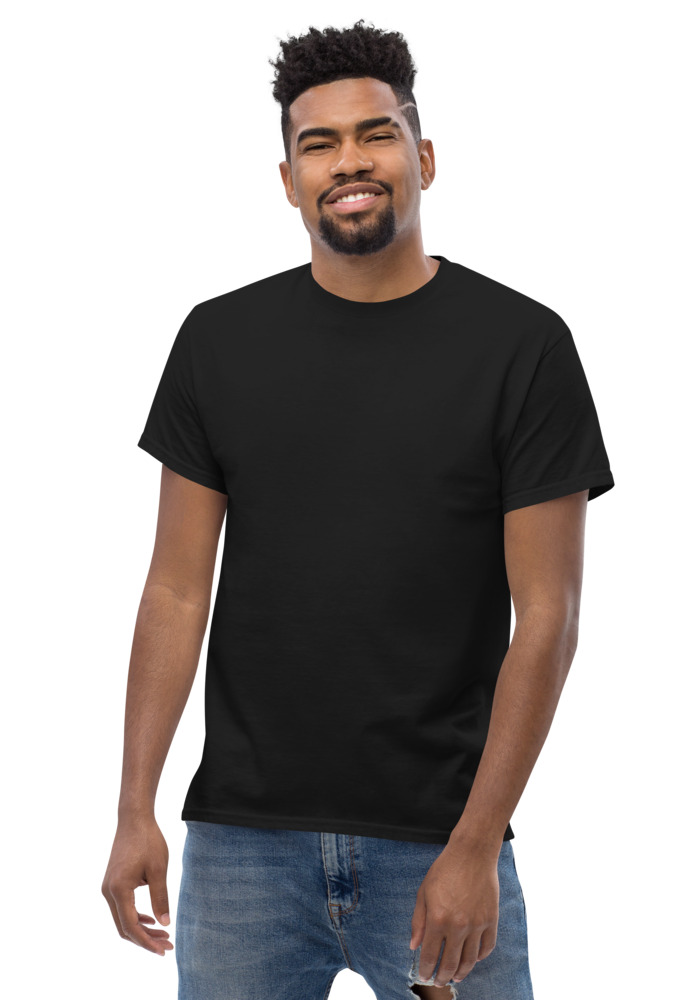
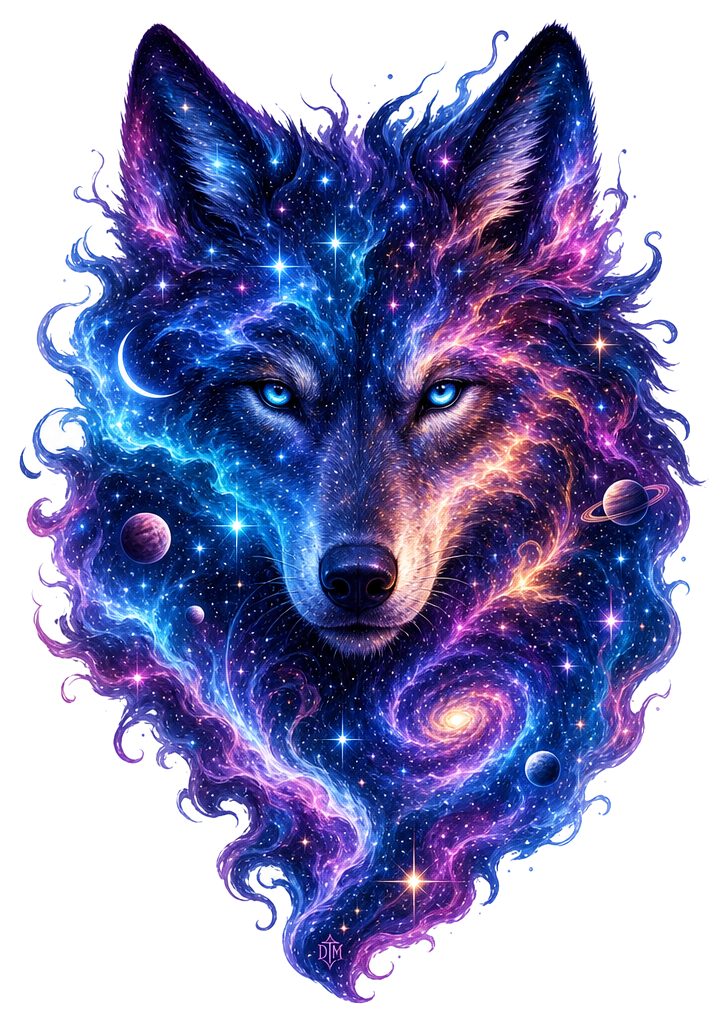
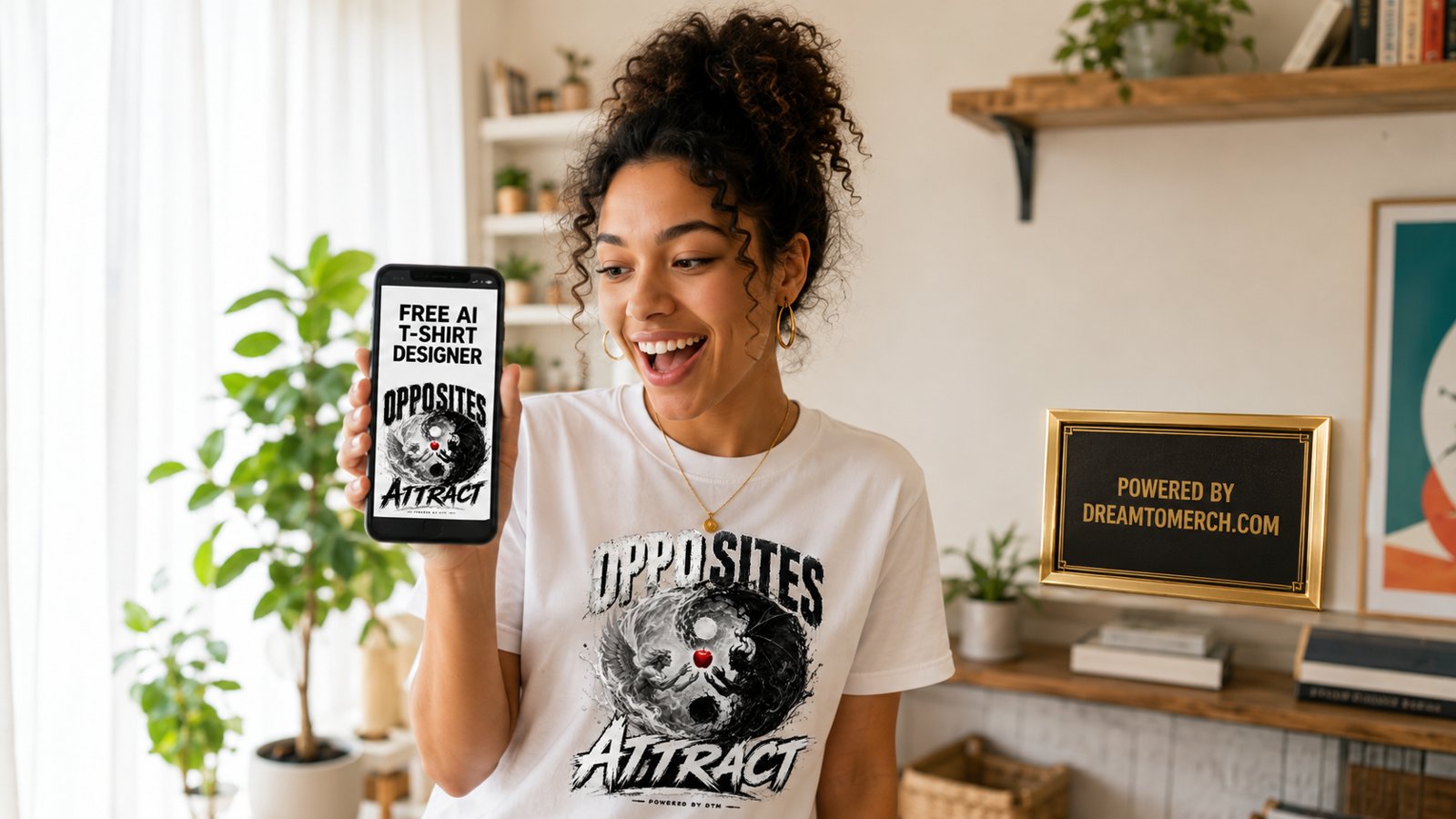
Preview · your design on a Black tee — the real blank
Ships in 5–9 days · Pay-in-4 available for eligible US orders at checkout
Design it right now
Classic Tee — with YOUR design on it
Upload art, type text, or let the AI design it — live preview, no minimums, from $24.99.
🎨 Put my design on this →
This design, ready to go
Get it on the Classic Tee — $24.99
Opens in the builder with this design placed — buy as-is, tweak the text, or swap the garment.
🛒 Customize & order this →Split eligible US orders into 4 interest-free payments with Shop Pay · No minimums · Ships in 5–9 days
Gildan 5000 · 100% cotton · 5.0–5.3 oz/yd² (170-180 g/m²) · blank sourced from Honduras · printed in the USA network · ships 5–9 days
See the free AI t-shirt design generator in real life
Two quick clips — how a real order like this happens, start to finish. Ready to order? merch maker — launch in a day.
Most "free" AI shirt design tools have a catch. Watermarks. Sign-up walls. Low-res exports that look fine on screen and turn to fuzz on fabric. Ours doesn't. Type an idea in plain English, get a print-ready design, see it on a real shirt — free, no account required.
How it works, start to finish
- 1. Type your idea. Plain language works: "a bear riding a skateboard," "retro sunset with palm trees," "SAVAGE in chrome lettering." No prompt engineering degree needed — the generator handles the print-specific details behind the scenes.
- 2. Get a design built for printing. Not a random image — a design with clean edges, a transparent background, and apparel-ready contrast, at full print quality. If your idea includes words, the text comes out spelled correctly, which anyone who has used a generic image generator knows is not a given.
- 3. See it on a real shirt. The design drops straight onto an actual product preview — a tee, a hoodie, a crewneck, a long sleeve, or a crop. Move it, scale it, switch colors, decide if it hits.
- 4. Order it or walk away. No pressure, no watermark holding your design hostage.
What "free" actually means here
The numbers, plainly: 10 free designs a month, plus 2 Ultra generations a month — Ultra is the extra-fine-detail mode for intricate art like detailed illustrations and dense linework. No sign-up. Every design is full print quality with a transparent background. That's the whole deal.
Prompts that come out great
A few patterns that consistently produce wearable results:
- Subject + action: "a bear riding a skateboard" — the classic. Character designs with motion read great on a chest print.
- Subject + art style: "wolf howling, geometric line art" or "koi fish, Japanese woodblock style."
- Phrase + treatment: "STAY GOLD in varsity lettering with a laurel wreath." Because spelling comes out correct, text designs are actually usable.
- Scene + mood: "midnight desert highway, synthwave palette." Save these for an Ultra generation — fine gradients and detail are what Ultra is for.
Honest tips from watching thousands of generations
- Iterate. The first result is rarely the keeper; the third usually is. That's why you get 5 a day.
- Think about the shirt color early. A dark, moody design disappears on a black tee. Preview on the color you'd actually wear before falling in love.
- Simple beats busy. The designs people actually wear have one clear subject, not five ideas crammed together.
- Have a logo already? Don't regenerate it — upload it. AI is for new art, not recreating your existing mark. (Building a brand from scratch? The free AI logo maker is the better starting point.)
One design, five products
Here's the underrated part: once a design exists, it isn't locked to one shirt. The same art previews across the whole line — tees, long sleeves, crewnecks, hoodies, crops. One good generation is a full capsule, not a single product.
Got the idea you've been sitting on? Open the free generator and type it in. It takes about thirty seconds to find out what it looks like on a shirt — and it costs you nothing to look.
Frequently asked questions
Is the AI t-shirt design generator really free?
Yes — 10 free designs a month plus 2 Ultra (extra-fine detail) generations weekly, at full print quality with transparent backgrounds. No sign-up, no watermarks, no credit card.
Do I need to create an account to use it?
No. The generator works with no sign-up. Adding your email is optional and adds 5 bonus designs.
Can I actually buy the shirt with my AI design on it?
Yes — that is the difference. Your design previews on a real tee, hoodie, crewneck, long sleeve, or crop, and you can order it printed with no minimum. Most free AI generators only give you an image file.
Will text in my design come out spelled correctly?
Yes. The generator is tuned for apparel, so any words in your design come out spelled exactly as you typed them — a known weakness of generic image generators.
How do I write a good prompt for an AI t-shirt design?
The strongest prompts cover four things: a subject, a style reference, a mood or color direction, and any text you want on the design. Something like 'vintage badge design of a mountain sunrise, distressed retro texture, burnt orange and cream, with the words LAKE LIFE in bold arched type' gives the AI far more to work with than 'cool mountain shirt.' Keep it to one clear concept per generation rather than cramming five ideas into a sentence, and iterate by changing one detail at a time. In the DreamToMerch studio you get 10 free designs a month, so you have room to refine before you commit.
Can I legally sell shirts made with AI-generated designs?
Generally yes, as long as the design itself does not copy someone else's protected work, trademarked logo, or licensed character. The safest approach is to generate original concepts in your own words instead of naming brands, celebrities, or franchises. DreamToMerch runs an IP guard that blocks trademarked designs at checkout, which helps keep your order on the right side of that line. If you plan to build a whole business on a design, a quick trademark clearance search is still smart.
Who owns the copyright to an AI-generated design?
Under current US Copyright Office guidance, images generated purely by AI with no meaningful human creative input are not eligible for copyright protection on their own. The more human direction you add, such as detailed creative prompting, editing, combining elements, or adding your own text and layout, the stronger your claim to the final work becomes. For most people printing shirts for themselves, a team, or a small brand, this rarely matters day to day, but it is worth knowing if you plan to stop others from reusing a design.
Why not just use a general AI image generator for shirt designs?
General image tools output rectangular pictures with filled backgrounds, usually at screen resolution, which means extra work cropping, removing the background, and upscaling before anything is printable. A generator built for apparel outputs art that is ready for fabric from the start. DreamToMerch's studio delivers a print-ready design with a transparent background, so only your artwork prints on the garment with no white box around it, and you can send it straight to a product without touching an editor.
Do I need to prepare or convert the file before printing?
Not if you design inside the studio. Each generation comes out as a print-ready design with a transparent background, so there is no format conversion, background erasing, or resolution fixing on your end. You can place it on a heavyweight cotton tee or an 8 oz fleece hoodie right away, and the piece is printed on demand in the USA and ships in 5 to 9 business days.
Design it right now
Classic Tee — with YOUR design on it
Upload art, type text, or let the AI design it — live preview, no minimums, from $24.99.
🎨 Put my design on this →This design, ready to go
Get it on the Classic Tee — $24.99
Opens in the builder with this design placed — buy as-is, tweak the text, or swap the garment.
🛒 Customize & order this →Split eligible US orders into 4 interest-free payments with Shop Pay · No minimums · Ships in 5–9 days
Or start with the art: free AI design tool + all free tools →