Buy this exact design
The Free Merch Design Studio: 5 Tools, No Sign-Up Ever — ready to ship
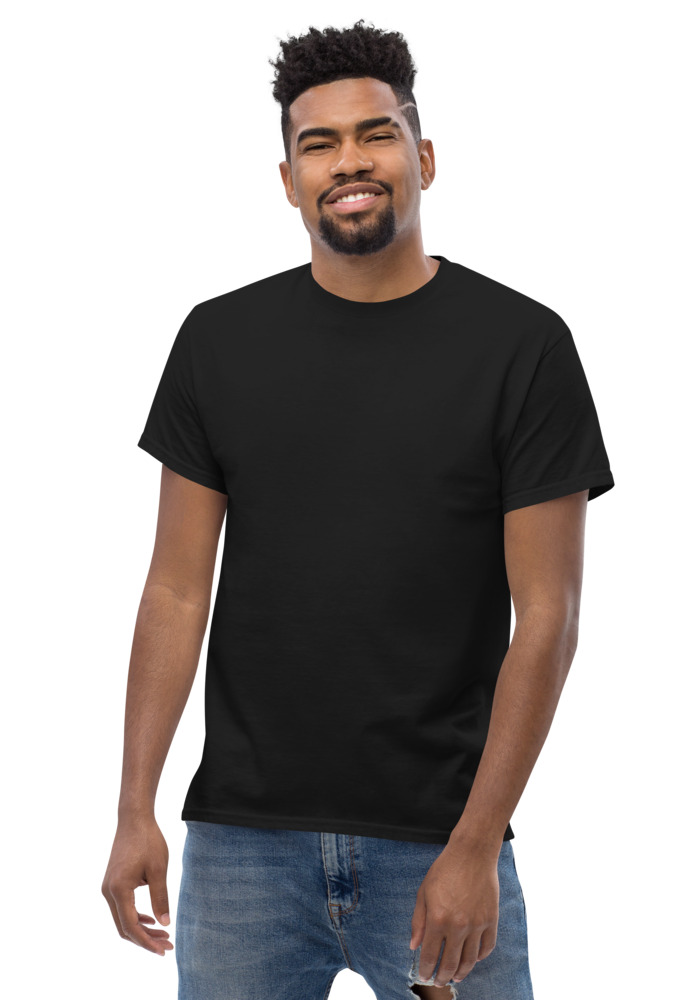
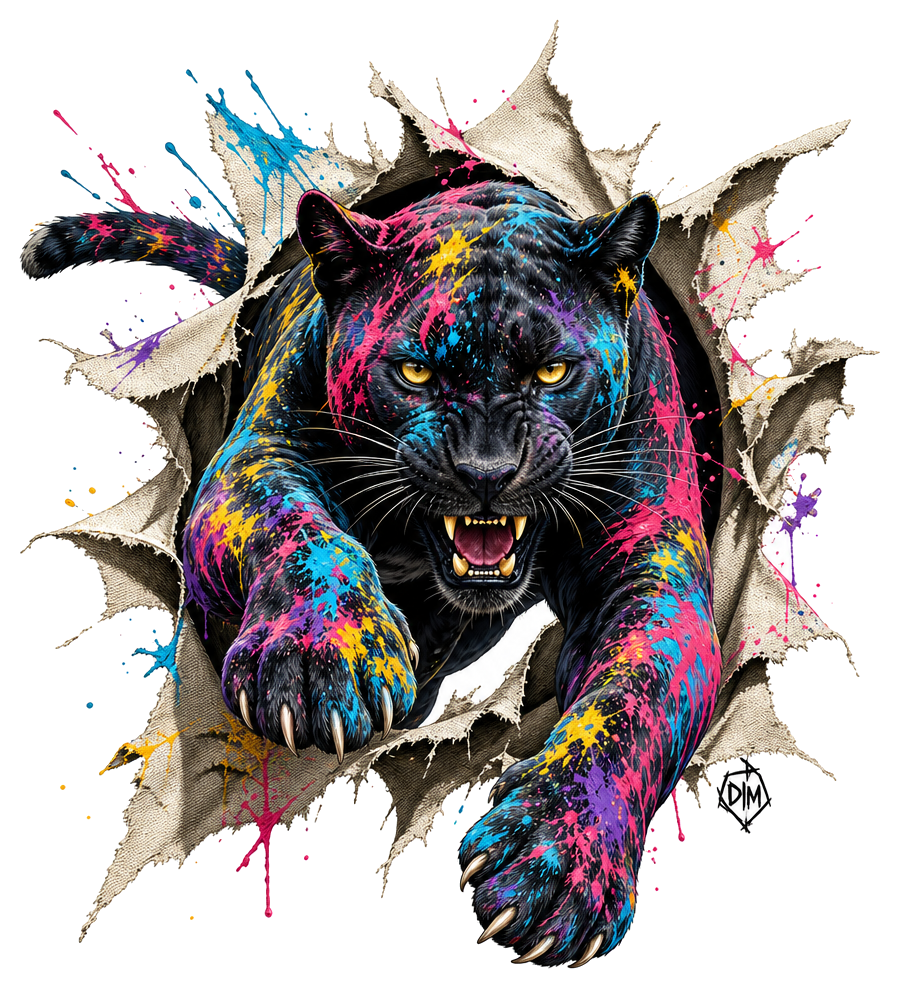
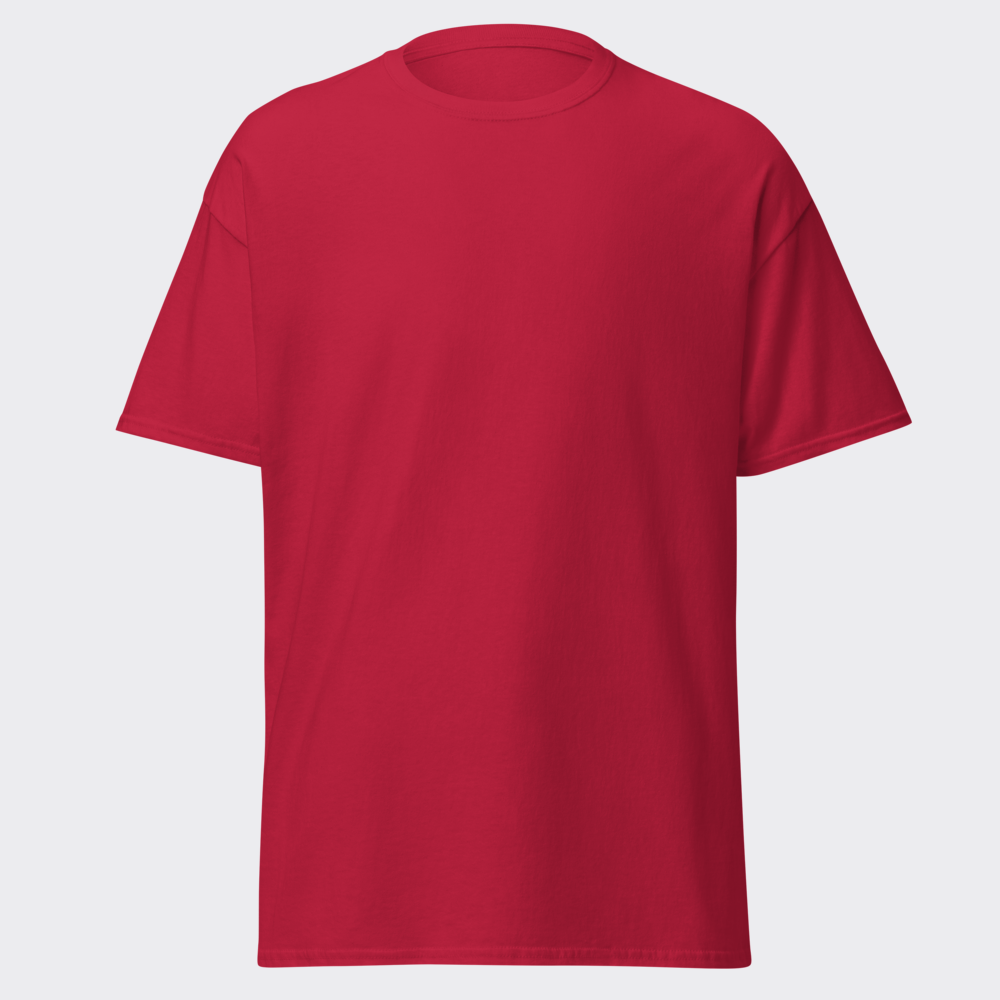
Preview · your design on a Black tee — the real blank
Ships in 5–9 days · Pay-in-4 available for eligible US orders at checkout
Design it right now
Classic Tee — with YOUR design on it
Upload art, type text, or let the AI design it — live preview, no minimums, from $24.99.
🎨 Put my design on this →
This design, ready to go
Get it on the Classic Tee — $24.99
Opens in the builder with this design placed — buy as-is, tweak the text, or swap the garment.
🛒 Customize & order this →Split eligible US orders into 4 interest-free payments with Shop Pay · No minimums · Ships in 5–9 days
Gildan 5000 · 100% cotton · 5.0–5.3 oz/yd² (170-180 g/m²) · blank sourced from Honduras · printed in the USA network · ships 5–9 days
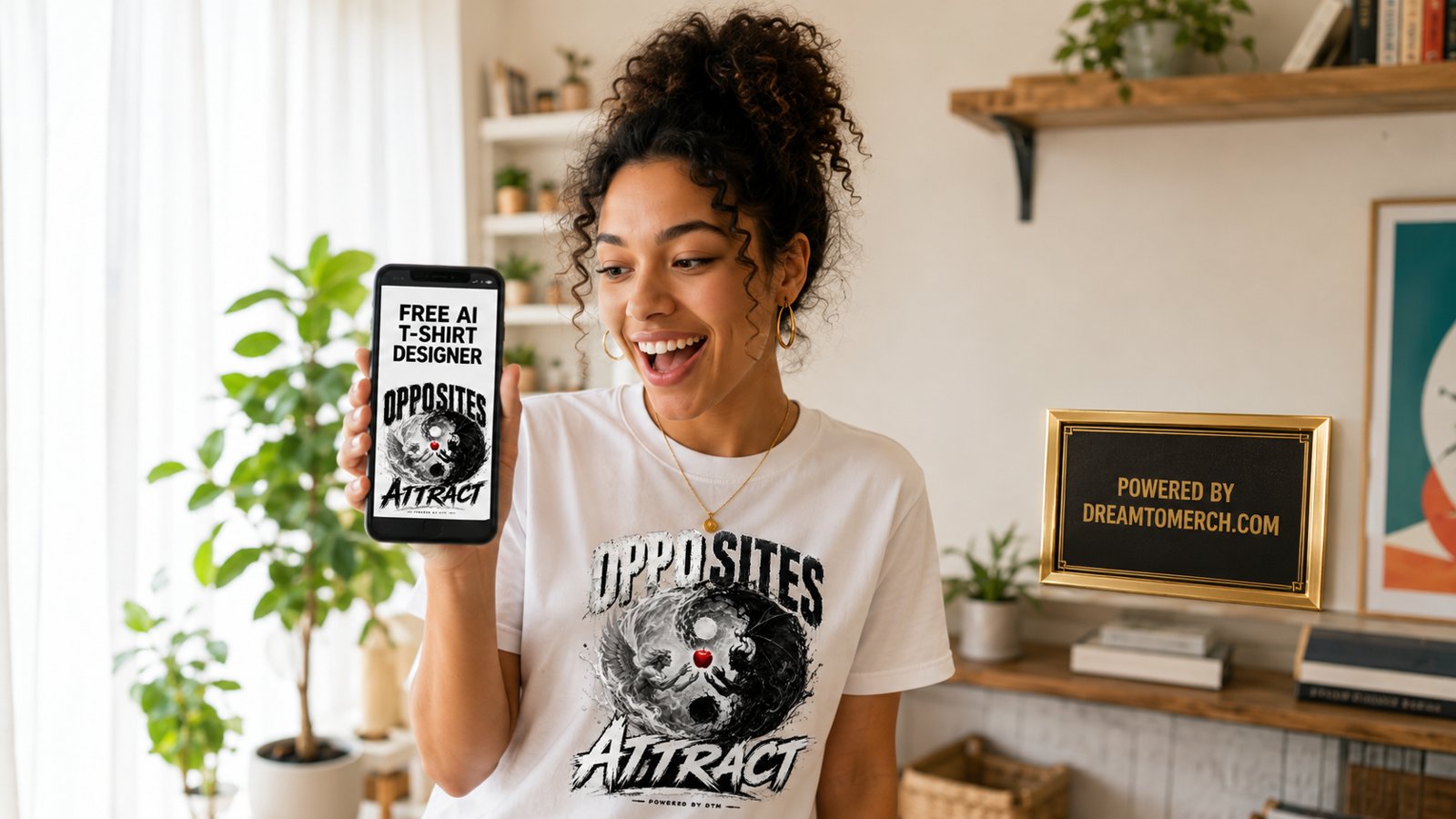
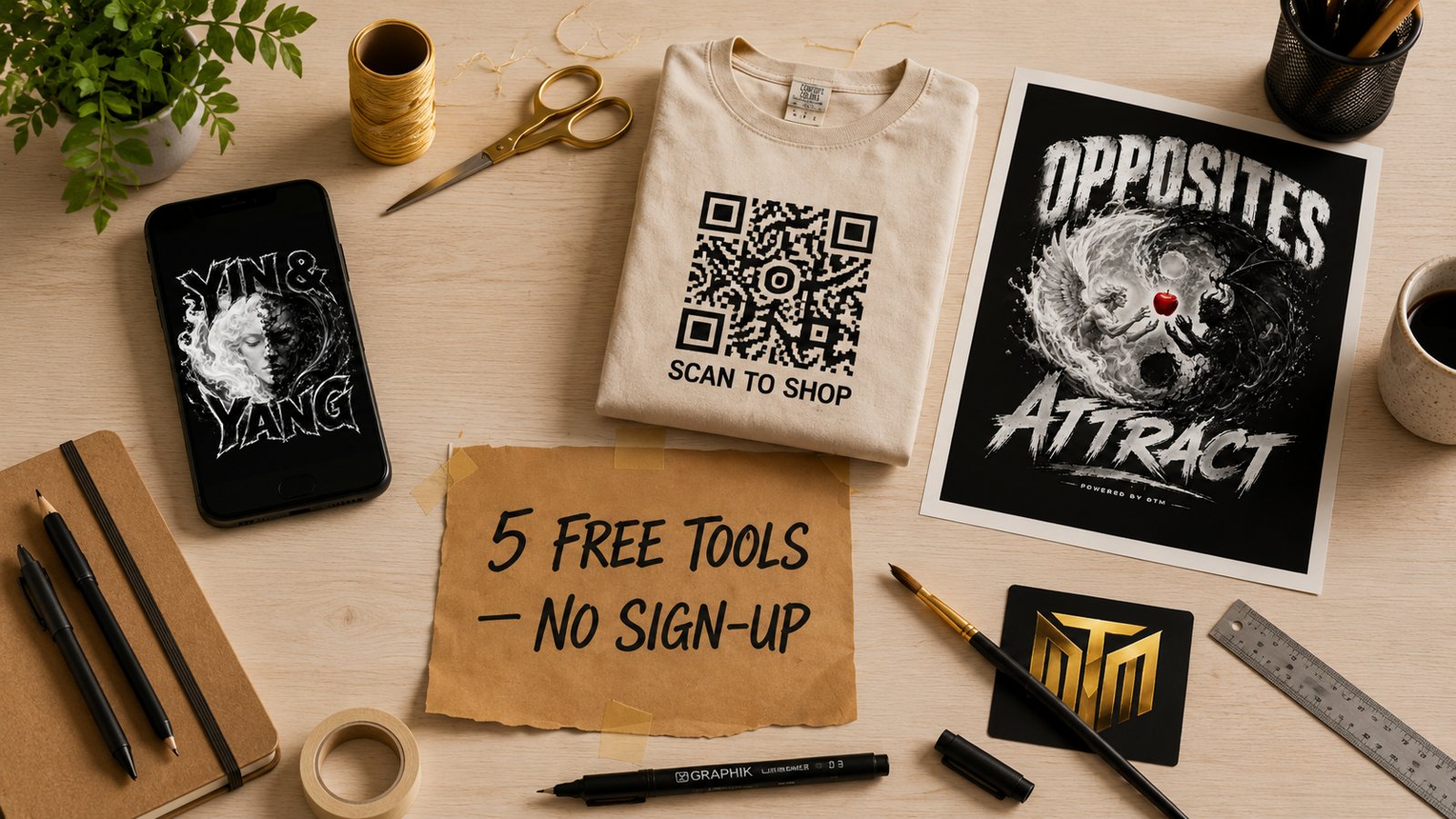
Most "free" design tools are a trial with a costume on. Watermarks until you pay. Sign-up walls before you see anything. Export buttons that suddenly cost $12 a month. The DreamToMerch studio is the other thing: five real design tools, free, no sign-up, ever - all on one page at /create, all feeding the same shirt preview. Here is the full walkthrough, tool by tool, as one workflow. Ready to order? t-shirt maker, real shirts with no minimum.
Tool 1: The AI Designer - the front door
Type an idea in plain words - "raccoon in a business suit," "STAY GOLD in varsity letters" - and our AI returns print-ready art: transparent background, clean edges, text spelled correctly, previewed on a real garment. You get 10 free designs a month plus 2 Ultra (extra-fine detail) weekly. Stuck on ideas? Steal from the 18 copy-paste prompts.
Tool 2: The Logo Maker - for brand marks
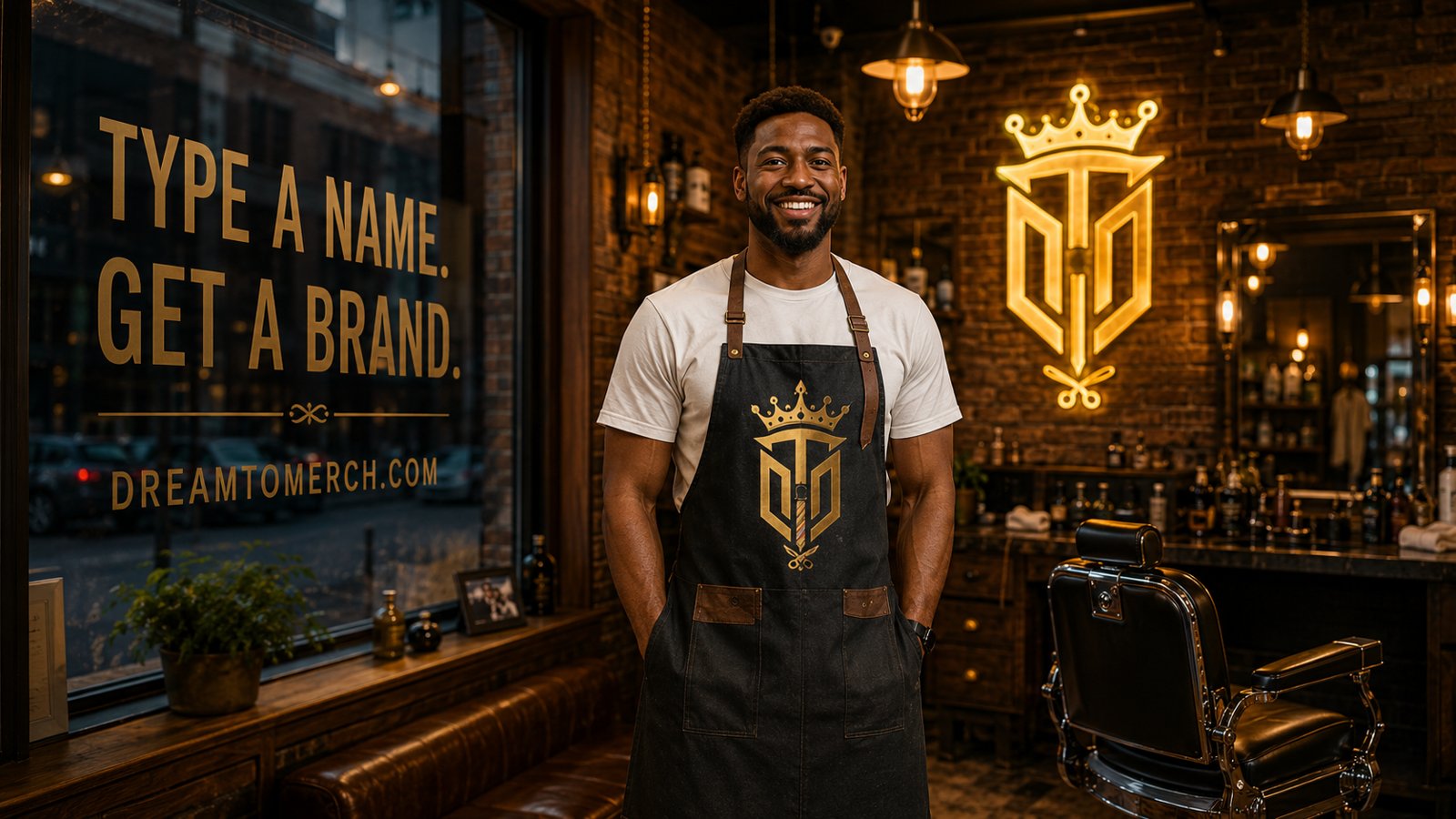
Same engine, tuned for logos: bold, simple, high-contrast marks that survive both a small chest hit and a big hoodie back. Type the brand name into the logo maker and the name comes out spelled right - which, if you have used generic AI image tools, you know is not a given. Full guide: the free AI logo maker.
Tool 3: The Background Remover - for art you already have
That logo JPG with the white box around it? One click in the background remover and it is a transparent PNG sitting clean on any shirt color. Why transparency decides whether merch looks professional: the transparent PNG guide.
Tool 4: The QR Merch tool - for links that walk around
Paste any URL into the QR tool and get a scannable, print-ready code on a shirt - menus, booking pages, payment links, follow pages. Small businesses are running entire staff-shirt playbooks on this one tool.
Tool 5: The Print-Ready Upscaler - for rescuing old files
Screenshots, compressed logos, decade-old artwork: the upscaler rebuilds low-resolution images to full print quality so they do not print blurry. The why and the limits: making any image print-ready.
Plus the wall: the Community library
Blank-page insurance. The community library is a live wall of designs real people made with these exact tools - and every design is clickable straight into the builder to customize. It is the best answer to "what should I even make?" - see what is trending right now.
One workflow, start to shirt
- 1. Generate art (AI Designer) or bring your own (Remover / Upscaler).
- 2. Preview it on a premium tee, long sleeve, crewneck, hoodie, or crop - designs auto-size to the largest print that fits without cutoff.
- 3. Switch garment colors, move and scale the art, check it on the products you actually want.
- 4. Order one (no minimums) - or 20+ of the same item and wholesale pricing applies automatically. Ships in 5-9 days.
What free actually means here
10 designs a month forever and 2 Ultra a month, no account required. Drop an email and you get a one-time +5 bonus. On a heavy creative run? Design Packs start at $3.99 for 20 designs - credits that never expire, no subscription. And if you never buy a shirt at all, you still walk away with real, print-ready, watermark-free designs. We are betting that when you see your idea on an actual shirt, you will want the shirt.
The whole studio is one page: open /create, pick a tool, and make something. The blank page does not stand a chance.
See the t-shirt maker in real life
Quick clips: how a real order happens, start to finish.
Frequently asked questions
What tools are in the free merch design studio?
The AI design generator, AI logo maker, QR merch tool, image upscaler, and background remover — all in one hub at /create, all free.
What are the free limits?
10 free designs a month and 2 Ultra generations a month, no sign-up required. Adding an email bumps the daily allowance.
What happens to a design I make?
It drops straight onto real products in the builder — preview on the actual garment photo, order one with no minimum, or run a bulk drop at 20+.
Do free design tools usually have watermarks or hidden fees?
Many do, the common patterns are a watermark stamped on free downloads, low-resolution exports unless you upgrade, commercial-use rights locked behind a paid tier, or a sign-up wall before you see your result. It is worth checking those four things before investing time in any tool. The DreamToMerch studio takes the opposite approach: 10 free designs a month, no account required, and the output is a clean print-ready design with a transparent background rather than a teaser version of one.
Why do most design tools force you to create an account?
Because the account is the product: sign-up walls exist to capture your email for marketing sequences and to funnel you toward a paid subscription, not because the tool technically needs a login to generate an image. That is a fine trade for some people, but it adds friction when you just want to try an idea. DreamToMerch's studio skips the wall entirely, you can go from a text prompt to a finished design without handing over anything first.
How is a merch design studio different from a general design app?
General design apps output rectangular images meant for screens, so getting to a printable shirt design means manually removing backgrounds, checking resolution, and exporting the right format. A merch-first studio bakes those requirements in: designs generate with transparent backgrounds at print-ready quality, text renders exactly as typed, and the design drops straight onto an actual product you can order. The difference is not artistic capability, it is that one path ends with a file and the other ends with a shirt.
Do I need any design skills to use an AI design studio?
No, the skill that matters is describing what you want in plain words, which everyone already has. If you can say 'vintage sunset over mountains with retro script text' you can produce a design, and the quality of results climbs quickly as you learn to add style and color words. There are no layers, pen tools, or export settings to learn. People with design training move faster on prompts, but the floor is genuinely zero experience.
What makes a design file 'print-ready' anyway?
Three things: enough resolution to print sharply at garment size, a transparent background so only the artwork lands on fabric with no white box, and clean edges without compression artifacts. Files that fail usually fail on one of those, a web-resolution JPG being the classic offender on all three counts. Designs generated in the DreamToMerch studio come out meeting these requirements, which is why they can go from generation to a live product without an editing detour.
Design it right now
Classic Tee — with YOUR design on it
Upload art, type text, or let the AI design it — live preview, no minimums, from $24.99.
🎨 Put my design on this →This design, ready to go
Get it on the Classic Tee — $24.99
Opens in the builder with this design placed — buy as-is, tweak the text, or swap the garment.
🛒 Customize & order this →Split eligible US orders into 4 interest-free payments with Shop Pay · No minimums · Ships in 5–9 days
Or start with the art: free AI design tool + all free tools →