
Buy this exact design
Merch Design Inspiration: The Community Design Library — ready to ship
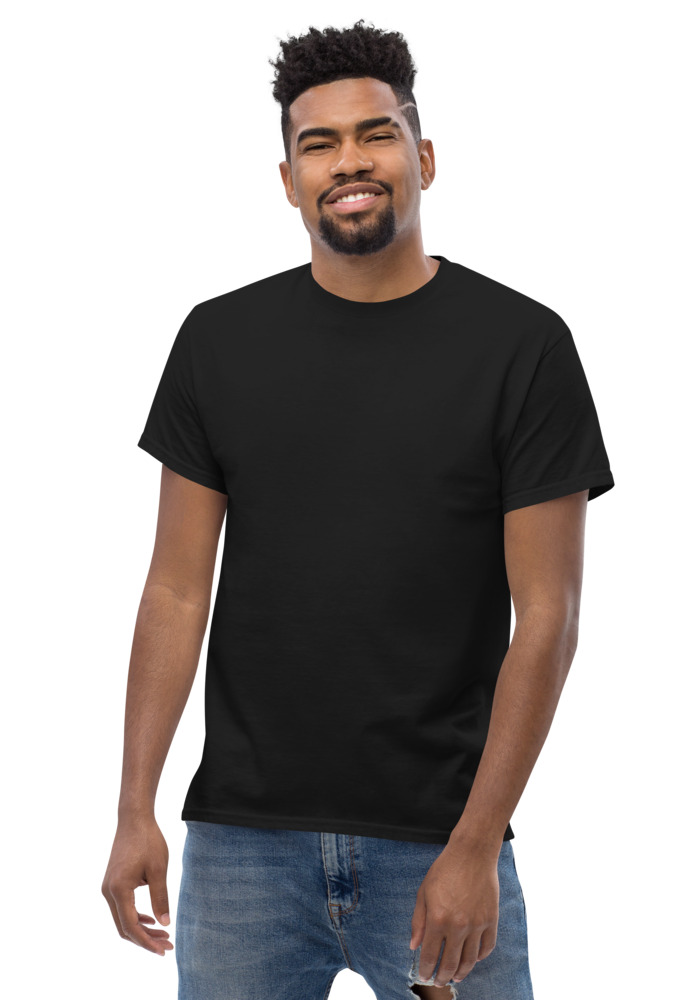
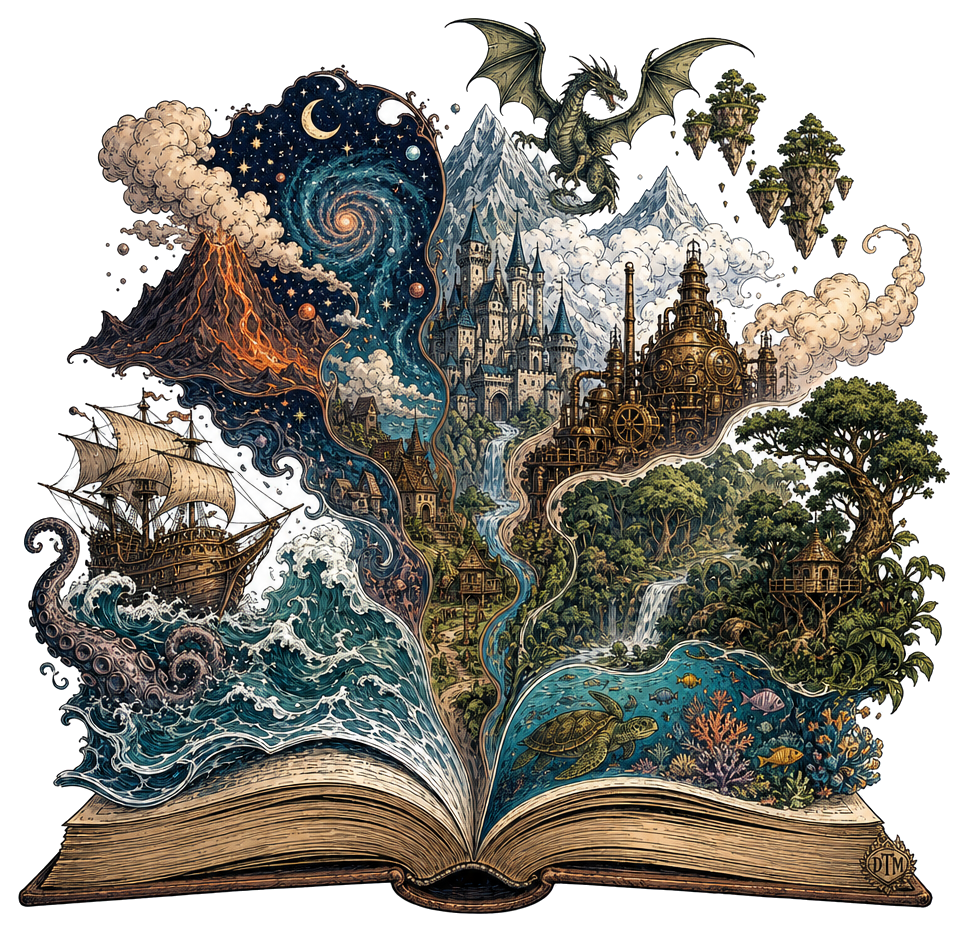
Preview · your design on a Black tee — the real blank
Ships in 5–9 days · Pay-in-4 available for eligible US orders at checkout
Design it right now
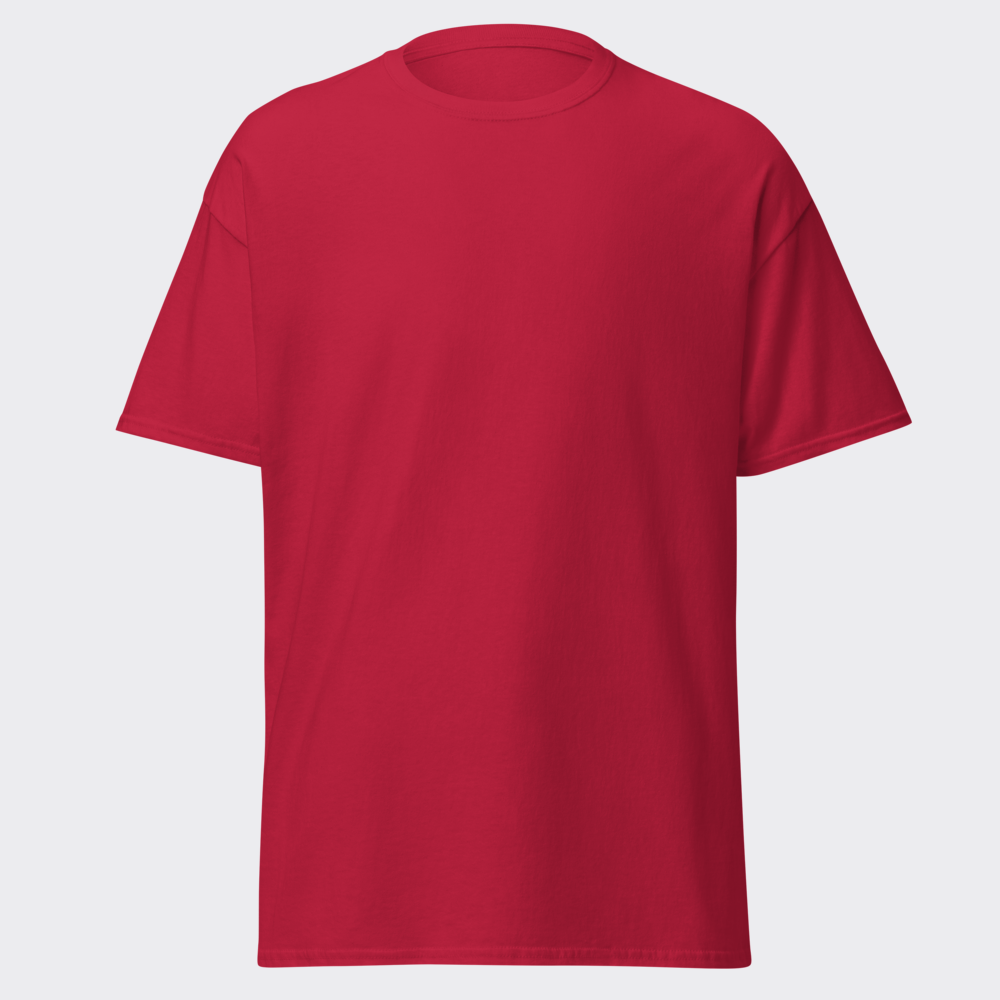
Classic Tee — with YOUR design on it
Upload art, type text, or let the AI design it — live preview, no minimums, from $24.99.
🎨 Put my design on this →
This design, ready to go
Get it on the Classic Tee — $24.99
Opens in the builder with this design placed — buy as-is, tweak the text, or swap the garment.
🛒 Customize & order this →Split eligible US orders into 4 interest-free payments with Shop Pay · No minimums · Ships in 5–9 days
Gildan 5000 · 100% cotton · 5.0–5.3 oz/yd² (170-180 g/m²) · blank sourced from Honduras · printed in the USA network · ships 5–9 days
The hardest part of custom merch isn't the making — it's the blank page. You open a design tool, the cursor blinks, and every idea you had in the shower is gone. That's what the community design library is for: a live, growing wall of real designs made by real people with the free tool. Not stock art. Not a curated agency portfolio. Actual designs actual people generated, put on shirts, and shipped. Ready to order? t-shirt maker, real shirts with no minimum.
Why real beats stock
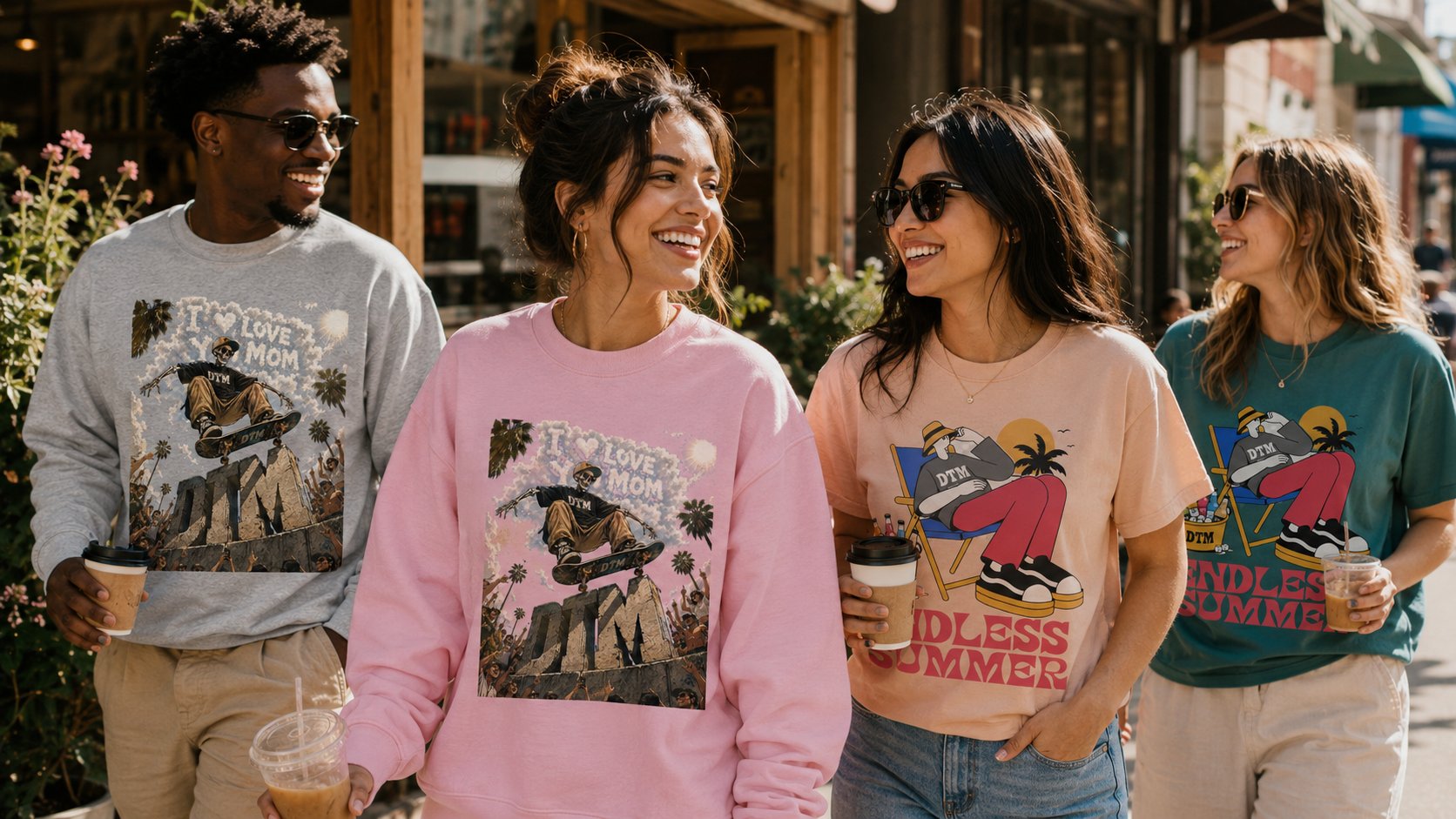
Stock design galleries show you what a design company thinks people want. The community library shows you what people actually make: the inside jokes, the pet portraits, the gym slogans, the small-business logos, the weird-specific ideas like a raccoon in a business suit. That's more useful for inspiration, because it answers the real question — "what would someone like me put on a shirt?" — with evidence instead of guesses.
How to use it when you're stuck
- Browse without a goal first. Scroll until something makes you stop. That stop is data — it tells you what style you're actually drawn to, which is usually different from what you thought you wanted.
- Click any design to customize it. This is the key move: every design in the library is a starting point, not just a picture. Open one and you're in the builder with it — swap the text, change the colors, move it to a hoodie or a crop, or use it as the springboard for your own prompt.
- Steal the structure, not the design. See a layout that works — big graphic, small text underneath? A two-color mark that pops on black? Take the pattern and fill it with your own idea in the free AI generator.
- Note what garment it's on. The same design reads differently on a tee versus a hoodie versus a crop. The library shows designs on real products, so you're learning placement and scale for free just by scrolling.
Idea lanes that consistently produce good merch
Patterns you'll see repeat across the library, because they work:
- Character + unexpected activity. Animals doing human things never misses — the skateboarding bear energy.
- Short phrase + strong type. Three words or fewer in bold lettering. Correct spelling included, which is why text designs from the tool are actually wearable.
- Hyper-specific niche pride. The more specific, the harder it hits for the right person: night-shift nurses, disc golfers, sourdough people.
- Clean brand marks. Simple logos people made with the free logo maker and then ran across a whole line.
From scrolling to shipping
Everything in the library was made with the same free tool you get: 10 free designs a month, 2 Ultra (extra-fine detail) weekly, no sign-up — every design full print quality with a transparent background. So the distance from "that's cool" to "that's mine, customized, on a crewneck" is a couple of clicks. And every design works across the full line — tees, long sleeves, crewnecks, hoodies, crops.
Blank page problem? Solved. Browse the community library until something grabs you, click it, make it yours — or skip straight to the generator if the scroll already sparked the idea.
See the merch in real life
Real garments, printed and embroidered to order.
Frequently asked questions
Is the community library free to browse?
Yes — scroll it without an account. It exists to show what the generator can do and to spark your own idea.
Can I copy a design I see in the library?
Use it as inspiration, then generate your own take — every design you create in the studio is your own original output, which is what keeps it printable and sellable.
How do I turn inspiration into a real shirt?
Open the free AI design studio, describe your version, and preview it on a real garment in the builder — 10 free designs a month, no sign-up.
Where else do people find t-shirt design inspiration?
Designers browse Pinterest boards, Dribbble, and Behance for visual direction, while sellers watch TikTok, Instagram, and niche Reddit communities to see what their audience actually wears and asks for. Walking a local market or scrolling what is selling in your niche works too. The trick is collecting a small mood board of styles you love, then translating that direction into your own original concept rather than lifting any single design. A community library adds one advantage the big platforms lack: everything in it was made with the same tool you are about to use, so you know the style is achievable.
What t-shirt design styles are popular right now?
The styles moving in 2026 include bold experimental typography, hand-drawn and intentionally imperfect artwork, nature and botanical line art, Y2K and early-internet nostalgia like pixel art and retro interfaces, dark academia and gothic botanical illustration, and retro sports and collegiate looks. Text-forward statement tees remain a perennial high-volume category. Any of these directions can be described in a prompt, which is a fast way to explore a trend before committing to a design.
How do I make an idea I saw my own instead of copying it?
Steal the direction, not the design. If a shirt caught your eye, break down why: was it the color palette, the composition, the typography style, or the subject? Then swap in your own subject, message, or niche while keeping only the general vibe. Describing that vibe in your own words to an AI generator naturally produces something new, because you are feeding it a concept rather than the original artwork. Copyright protects specific expression, not ideas or styles, so working at the idea level keeps you both original and safe.
How do I know if a design idea will actually sell?
Specific beats generic almost every time: a shirt for night-shift nurses or disc golf dads will outperform a vague 'cool graphic' because the buyer instantly sees themselves in it. Check whether people in that niche already buy shirts, look at what phrasings and styles they respond to, and make something that speaks their language. Since DreamToMerch has no minimum order, you can print a single test piece, gauge reactions, and only scale what earns them, which removes nearly all the risk from experimenting.
Is it okay to be inspired by a design without infringing copyright?
Yes. Copyright protects a specific creative expression, the exact artwork, not the underlying idea, theme, or style, so making your own sunset-mountain design after seeing someone else's is fine as long as yours is genuinely your own work. Trouble starts when the new piece is substantially similar to the original, close enough that an ordinary viewer would call it a copy. Change the subject, composition, wording, and palette and you are creating, not copying. Trademarked logos, characters, and brand names are a separate category and should stay out of your designs entirely.
Design it right now
Classic Tee — with YOUR design on it
Upload art, type text, or let the AI design it — live preview, no minimums, from $24.99.
🎨 Put my design on this →This design, ready to go
Get it on the Classic Tee — $24.99
Opens in the builder with this design placed — buy as-is, tweak the text, or swap the garment.
🛒 Customize & order this →Split eligible US orders into 4 interest-free payments with Shop Pay · No minimums · Ships in 5–9 days
Or start with the art: free AI design tool + all free tools →


