Buy this exact design
QR Code Merch: Put a Scannable Link on a Shirt — ready to ship
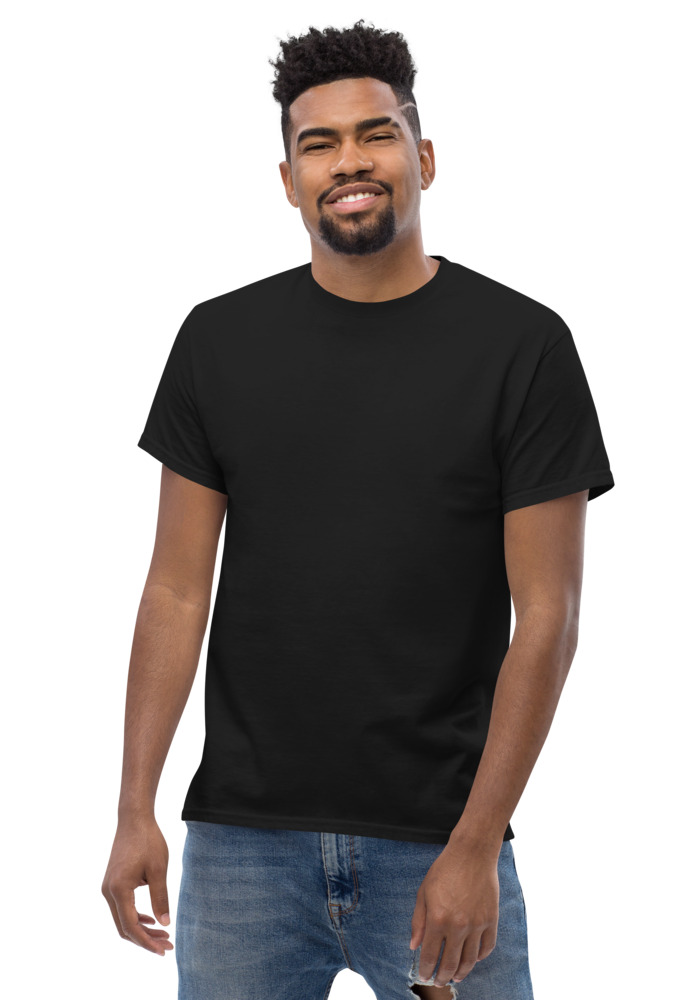
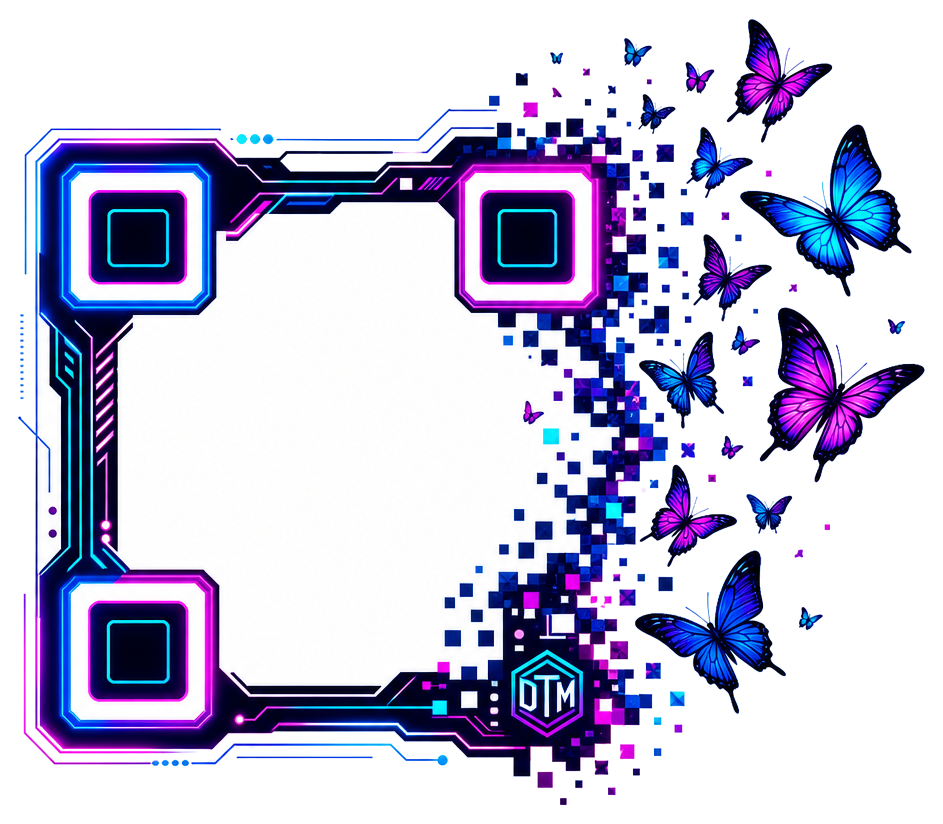
Preview · your design on a Black tee — the real blank
Ships in 5–9 days · Pay-in-4 available for eligible US orders at checkout

Design it right now
Classic Tee — with YOUR design on it
Upload art, type text, or let the AI design it — live preview, no minimums, from $24.99.
🎨 Put my design on this →
This design, ready to go
Get it on the Classic Tee — $24.99
Opens in the builder with this design placed — buy as-is, tweak the text, or swap the garment.
🛒 Customize & order this →Split eligible US orders into 4 interest-free payments with Shop Pay · No minimums · Ships in 5–9 days
Gildan 5000 · 100% cotton · 5.0–5.3 oz/yd² (170-180 g/m²) · blank sourced from Honduras · printed in the USA network · ships 5–9 days
A QR code on a shirt turns the person wearing it into a walking link. Someone sees the shirt, points their camera, and lands exactly where you want them — your menu, your booking page, your profile, your payment code. No app, no typing, no "what was that website again?" It's the cheapest piece of marketing real estate you can own, and it walks around all day. Ready to order? t-shirt maker, real shirts with no minimum.
Who's actually using QR merch
- Small business staff shirts. A cafe puts "Scan for the menu" on the back of every staff tee. A barber shop's crewnecks link straight to the booking page. Customers standing in line scan instead of asking — the shirt answers the question before staff has to.
- Creators. "Scan to follow" on the back of a hoodie works everywhere you physically go — meetups, conventions, the gym. One scan is worth fifty "what's your handle?" conversations, and the people who scan actually meant to.
- Events and weddings. Link the code to the photo-share album, the schedule, the registry, or the group playlist. Guests scan the shirt instead of hunting for a link in a group chat. It also makes the shirt itself a keepsake that still does something later.
- Market stalls and vendors. Print your payment code or storefront link on the shirt you wear at the stall. Hands full? Line moving? Customers scan you. It's a register that never gets misplaced.
How to make one
- 1. Paste your link into the free QR merch tool — any URL works: a website, a menu, a booking page, a social profile, a payment link.
- 2. Get a print-ready code — full print quality with a transparent background, so it sits clean on any garment color.
- 3. Place it on the product. Back-center is the classic for scan-me codes (people behind you in line, at the gig, at the market). Front works for staff shirts where customers face you.
- 4. Test it before you order. Point your phone at the on-screen preview. If it scans on screen at roughly the printed size, it'll scan on fabric.
Tips that keep codes scannable
- Contrast is everything. Dark code on a light shirt or light code on a dark shirt. A code that blends into the garment is decoration, not a link.
- Go bigger than feels natural. At least 4-5 inches across for a back print. People scan from several feet away.
- Keep the fabric flat in mind. Codes tolerate normal fabric drape fine — but avoid placing one across a seam or right at a hem.
- Use a link you control. Point the code at your own site or a link-in-bio page so you can change the destination later without reprinting shirts.
Make it look like merch, not a poster
The difference between a QR shirt people wear and one they don't: design. Pair the code with a short line ("Scan for the menu," "Scan to follow," "You know you're curious") and your logo or artwork. If you don't have art yet, the free AI design generator makes the graphic and the logo maker handles the mark — both free, no sign-up. Then the QR code becomes part of a shirt someone would wear anyway, which is the whole trick.
Tees, long sleeves, crewnecks, hoodies, crops — one code works across all of them, no minimum order. Drop your link in the free QR tool and see it on a shirt in under a minute. Running a business? The QR staff-shirt playbooks show exactly where to point the code.
See the merch in real life
Real garments, printed and embroidered to order.
Frequently asked questions
Do QR codes actually scan off fabric?
Yes — keep the contrast high (dark code on light fabric or the reverse) and the print at least 4–5 inches across. If it scans off the on-screen preview at that size, it scans off the shirt.
Can I change where the code points after printing?
Only if you print a short link or redirect you control — the printed pattern itself is fixed. If the destination might change, point the code at a link you can re-aim.
Is there a minimum order?
No — one QR tee is a real order, and 20+ of the same shirt gets automatic bulk pricing for staff runs.
How big should a QR code be on a shirt?
Bigger than you think. A QR code on apparel should be at least 2 by 2 inches, and most chest or back prints land in the 3 to 5 inch range, because fabric curves and moves with the body in a way a flat poster never does. Codes under about an inch routinely fail on textiles since the small modules distort when the wearer moves. A generous size also lets people scan from a comfortable conversational distance instead of leaning into a stranger's chest.
Where is the best placement for a QR code on apparel?
Pick the flattest, most visible zone on the garment: center chest and upper back are the classic choices. The back works especially well for larger codes since it stays relatively flat when someone is standing in line or walking ahead of you. Avoid side seams, sleeves for anything but tiny decorative codes, and any spot that folds or stretches heavily, because creasing across the code is the number one reason scans fail.
What colors should a QR code be to scan reliably?
Contrast is everything: a dark code on a light background is the gold standard, and scanners are specifically designed to read dark modules on a lighter field. If your shirt is black, put the code inside a light printed panel rather than inverting it, since some phone cameras struggle with light-on-dark codes. Skip low-contrast pairings like gold on white or navy on black, and never lay the code over a busy graphic.
Should I use a static or dynamic QR code on merch?
For anything printed on fabric, dynamic is almost always the right call. A static code hard-bakes one URL forever, while a dynamic code points to a short redirect link you can edit anytime, so the same shirt can promote a menu today and an event page next month without reprinting. Dynamic codes also give you scan analytics like counts, times, and rough locations, which turns a shirt into a measurable marketing channel. The vast majority of QR codes created today are dynamic for exactly these reasons.
Will washing ruin a printed QR code?
Not if the print quality is good and you care for the garment properly. DTG-printed codes hold their edges wash after wash when you machine wash cold, turn the piece inside out, and tumble dry low or hang dry. What actually kills scannability over time is harsh washing that fades contrast, so protecting the print protects the scan. Sizing the code generously to begin with also builds in a margin of error as the garment ages.
Can I put my logo or artwork inside the QR code?
Yes, within limits. QR codes include built-in error correction, so a small logo covering roughly the center of the code will still scan, and it makes the code look intentional instead of clinical. What you must protect is the quiet zone, the empty margin around the code, and the three large corner squares that scanners use to find and orient the code. Decorate around the code freely, add a 'scan me' callout, but keep the code itself clean and high contrast.
Design it right now
Classic Tee — with YOUR design on it
Upload art, type text, or let the AI design it — live preview, no minimums, from $24.99.
🎨 Put my design on this →This design, ready to go
Get it on the Classic Tee — $24.99
Opens in the builder with this design placed — buy as-is, tweak the text, or swap the garment.
🛒 Customize & order this →Split eligible US orders into 4 interest-free payments with Shop Pay · No minimums · Ships in 5–9 days
Or start with the art: free AI design tool + all free tools →