Buy this exact design
Remove the Background From a Logo Free (Print-Ready PNG) — ready to ship
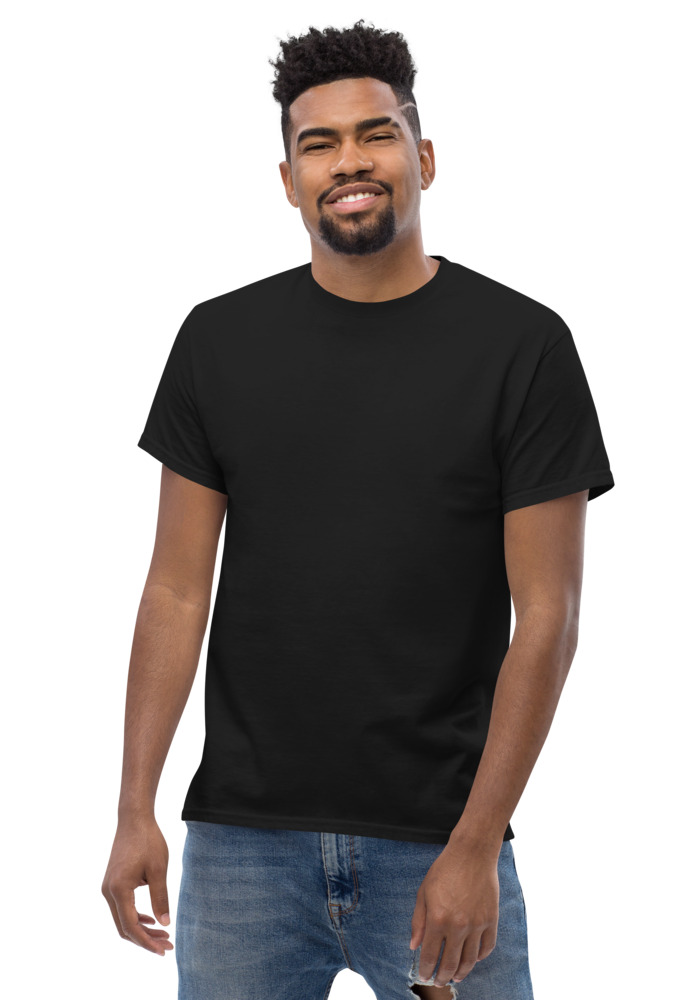
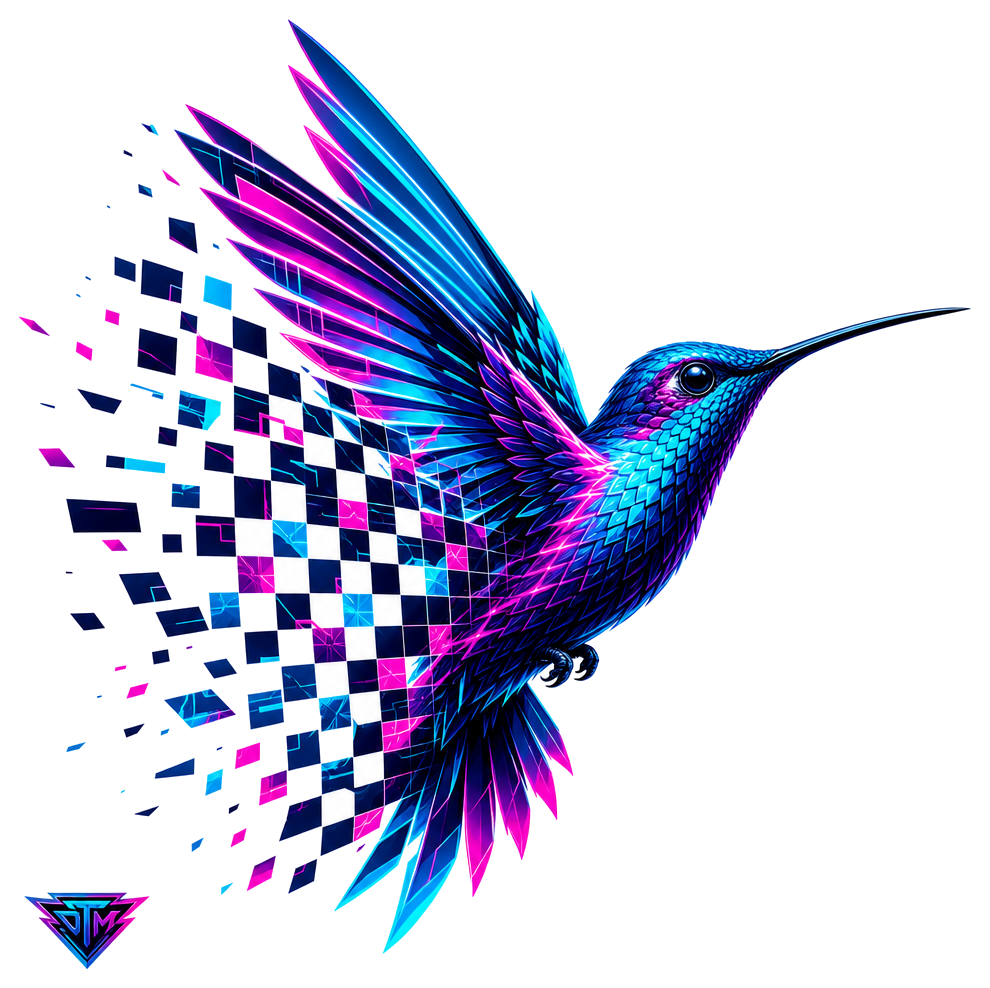
Preview · your design on a Black tee — the real blank
Ships in 5–9 days · Pay-in-4 available for eligible US orders at checkout

Design it right now
Classic Tee — with YOUR design on it
Upload art, type text, or let the AI design it — live preview, no minimums, from $24.99.
🎨 Put my design on this →
This design, ready to go
Get it on the Classic Tee — $24.99
Opens in the builder with this design placed — buy as-is, tweak the text, or swap the garment.
🛒 Customize & order this →Split eligible US orders into 4 interest-free payments with Shop Pay · No minimums · Ships in 5–9 days
Gildan 5000 · 100% cotton · 5.0–5.3 oz/yd² (170-180 g/m²) · blank sourced from Honduras · printed in the USA network · ships 5–9 days
You have the logo. It is sitting in your downloads folder as a JPG with a white box around it - or worse, a screenshot with someone's desktop peeking through the corners. Put that on a black shirt and the printer will happily print the white box too, because printers print exactly what you give them. The fix takes one click and costs nothing. Ready to order? t-shirt maker, real shirts with no minimum.
Why transparency matters for shirt printing
DTG printing lays your image directly onto the fabric - every pixel of it. There is no human at the print shop deciding "they probably did not want the white rectangle." If your file has a background, the shirt gets a background:
- White background on a dark shirt = your logo trapped inside a glowing white sticker shape. The #1 most common custom-merch mistake.
- White background on a white shirt = looks accidental up close; the printed box catches light differently than the fabric.
- Transparent PNG = only the logo prints. The garment color becomes your background, on every color, forever.
This is why every professional print file is a transparent PNG. It is not a nice-to-have; it is the difference between "merch" and "printed screenshot."
The one-click flow
- 1. Upload your image to the free background remover. JPG, PNG, screenshot - whatever you have.
- 2. Our AI removes the background - cleanly, around fine edges, in seconds. No manual tracing, no checkerboard-pattern editors, no watermark on the result.
- 3. It lands straight on a shirt. This is the part standalone remover sites cannot do: the transparent version drops directly into the design studio, previewed on a real tee, hoodie, crewneck, long sleeve, or crop, in the actual garment color. You see the exact print before paying anything.
No sign-up required. Free.
Three checks before you print
- Zoom the edges. After removal, zoom in on the preview. Clean logo edges mean a clean print.
- Preview on the real color. A dark logo needs a light garment and vice versa. Flip through shirt colors in the preview - it takes seconds and saves reprints.
- Check the resolution. If the source image was small or blurry, run it through the free print-ready upscaler first - background removal fixes transparency, upscaling fixes sharpness, and a proper print file usually wants both.
No logo yet? Skip the cleanup entirely
If you are removing a background from a logo you grabbed off your own website years ago, consider a cleaner path: the free AI logo maker generates a fresh mark from your brand name - already transparent, already print-ready, spelling guaranteed. Everything our AI generates comes with a transparent background by default, which is exactly why generated designs go straight onto shirts with zero cleanup.
From transparent PNG to actual merch
Once the background is gone, the logo works everywhere: small left-chest hit on a premium tee, big back print on a hoodie, tone-on-tone mark on a crewneck. One clean file, the whole line. For placement ideas, see how other brands run their marks in the community design library.
That JPG with the white box has been holding your merch back long enough. Run it through the free background remover and see your logo sitting clean on a shirt in under a minute.
See the merch in real life
Real garments, printed and embroidered to order.
Frequently asked questions
Is the background remover free?
Yes — no sign-up, part of the free tools hub.
Will it fix a JPG logo stuck in a white box?
Yes — that's exactly what it's for. It strips the background and returns a transparent PNG that sits clean on any garment color.
What do I do with the result?
It drops straight into the builder — preview the logo on tees, hats, and hoodies and order with no minimum.
Why does my logo print with a white box around it?
Because the file has a background, even if you cannot see one on a white webpage. JPG files physically cannot store transparency, so a logo saved as a JPG always sits on a solid rectangle, and the printer faithfully prints that whole rectangle onto the fabric. The fix is converting to a transparent PNG by removing the background, after which only the logo artwork itself prints and the shirt color shows through everywhere else.
What is a transparent PNG and why does printing need one?
A transparent PNG is an image format with an alpha channel, meaning each pixel can be fully visible, fully invisible, or anywhere in between. For apparel printing this is essential: transparency tells the printer exactly where your design ends, so ink lands only on the artwork and the garment itself becomes the background. Without it, you get the dreaded printed rectangle. It is the standard file type for DTG and print-on-demand work, and it is what background removal tools output.
Will removing the background lower my logo's quality?
A good AI background remover keeps your original resolution and detail intact, it only decides which pixels become transparent, it does not recompress or shrink the art. The edges are where quality shows: modern tools trace clean logo boundaries well, though a very low-resolution source will still have soft or jagged edges after removal because the problem existed before removal. If your source file is small, remove the background first and then run the result through an upscaler so both transparency and resolution are print-grade.
Does background removal work on complicated logos?
AI removers handle most logos easily, including multicolor marks and detailed illustrations, because logos tend to have defined edges the model can find. The hard cases are soft drop shadows, glows, and gradients that fade into the background, where the tool has to guess where art ends and background begins, and semi-transparent effects that may come out with fringed edges. If your logo has those effects, check the result at full zoom, and when possible ask whoever made the logo for the original transparent file instead.
Should I use JPG or PNG for t-shirt printing?
PNG, almost without exception. PNG supports transparency, which apparel printing depends on, and it uses lossless compression so hard edges and text stay crisp. JPG throws away data to shrink file size, which creates blocky artifacts around sharp edges, exactly where logos live, and it forces a solid background onto everything. JPG is fine for photographs on screens; for a logo headed to fabric, convert it to a transparent PNG first.
Design it right now
Classic Tee — with YOUR design on it
Upload art, type text, or let the AI design it — live preview, no minimums, from $24.99.
🎨 Put my design on this →This design, ready to go
Get it on the Classic Tee — $24.99
Opens in the builder with this design placed — buy as-is, tweak the text, or swap the garment.
🛒 Customize & order this →Split eligible US orders into 4 interest-free payments with Shop Pay · No minimums · Ships in 5–9 days
Or start with the art: free AI design tool + all free tools →