Buy this exact design
AI T-Shirt Design Prompts: 18 Copy-Paste Ideas That Work — ready to ship
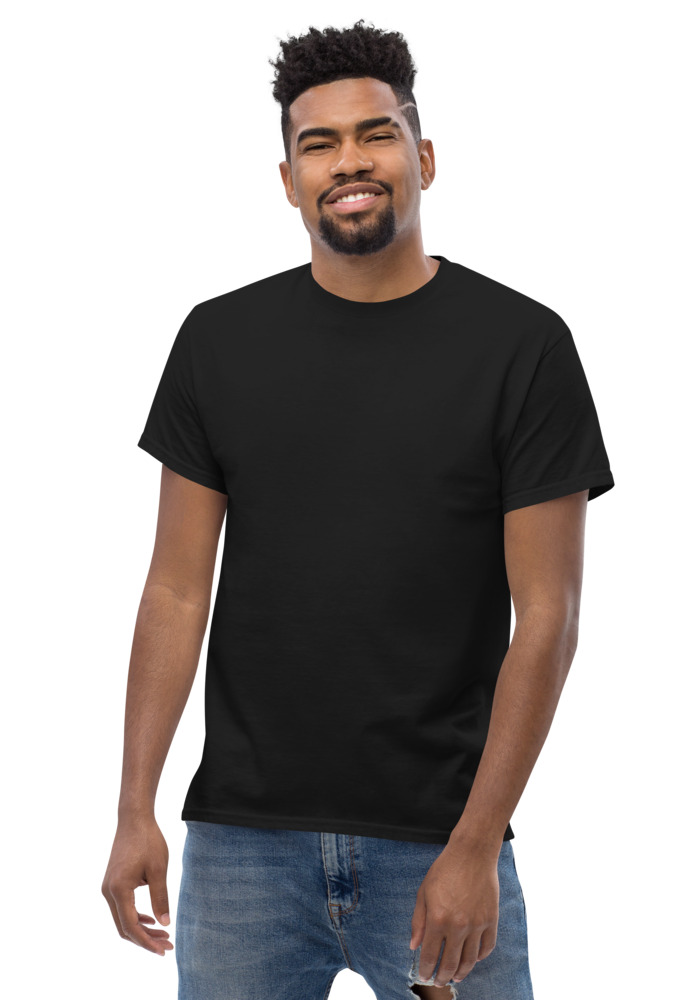
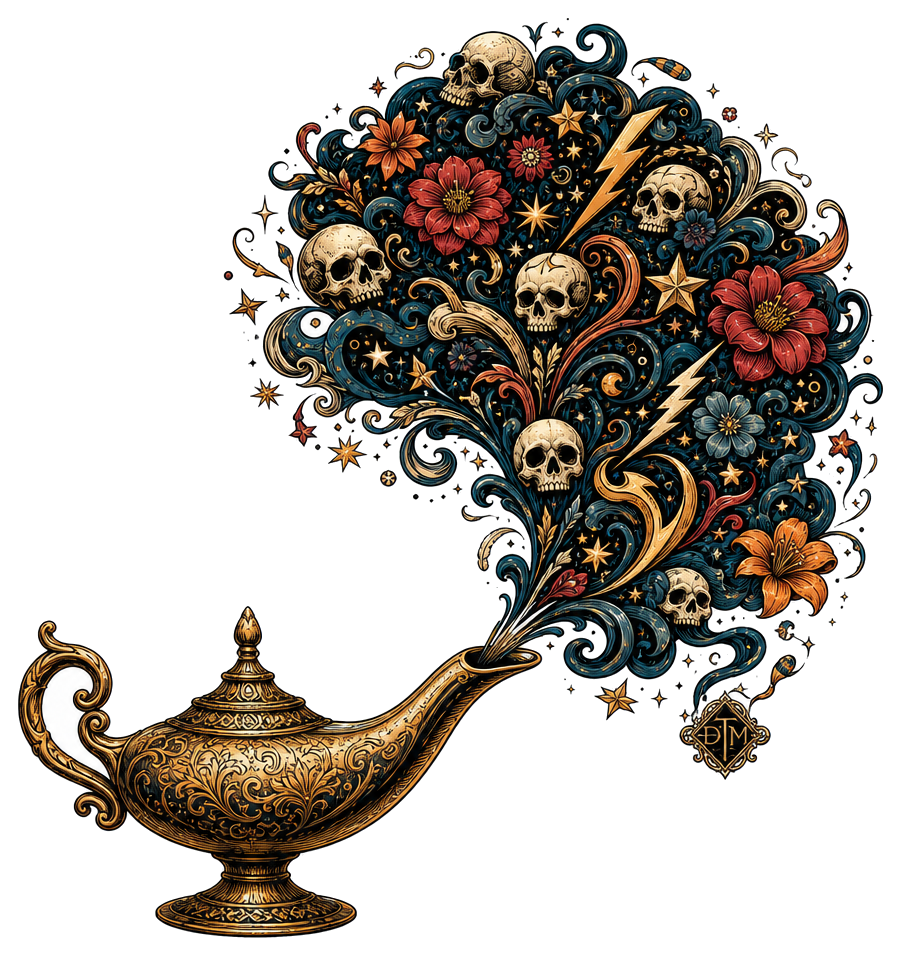
Preview · your design on a Black tee — the real blank
Ships in 5–9 days · Pay-in-4 available for eligible US orders at checkout
Design it right now
Classic Tee — with YOUR design on it
Upload art, type text, or let the AI design it — live preview, no minimums, from $24.99.
🎨 Put my design on this →
This design, ready to go
Get it on the Classic Tee — $24.99
Opens in the builder with this design placed — buy as-is, tweak the text, or swap the garment.
🛒 Customize & order this →Split eligible US orders into 4 interest-free payments with Shop Pay · No minimums · Ships in 5–9 days
Gildan 5000 · 100% cotton · 5.0–5.3 oz/yd² (170-180 g/m²) · blank sourced from Honduras · printed in the USA network · ships 5–9 days
The secret about prompting our free AI design studio: there is no secret. You do not need "8k, trending on artstation, volumetric lighting" incantations - the tool takes plain words and handles the print-specific heavy lifting behind the scenes (transparent background, clean edges, correct spelling, apparel contrast). Your only job is the idea. Here are 18 that work, grouped by style. Copy them as-is or swap in your own subject. Ready to order? t-shirt maker, real shirts with no minimum.
Retro and vintage
- "retro sunset over mountains with an eagle, 70s poster style"
- "vintage motel sign that says NO VACANCY, neon, distressed"
- "old-school diner coffee cup with rising steam, 50s Americana"
- "cassette tape with tangled ribbon shaped like a heart, retro colors"
Why they work: warm limited palettes and distressed texture read instantly as "designed," and they print beautifully on cream, black, and washed colors.
Minimalist and line art
- "wolf howling at the moon, single continuous line drawing"
- "mountain range, geometric low-poly style, two colors"
- "wave in the style of Japanese woodblock, minimal"
- "tiny paper airplane with a long dotted flight path"
Why they work: one clear subject, lots of negative space - the quiet-luxury look on a premium heavyweight tee, and they hold up small as a chest hit.
Funny and weird (the viral lane)
- "raccoon in a business suit giving a presentation, deadpan"
- "T-rex trying to make a bed with tiny arms"
- "cat riding a skateboard doing a kickflip, cartoon style"
- "houseplant with a motivational speech bubble that says GROW UP"
Why they work: specific beats generic. "Raccoon in a business suit" stops a scroll; "funny raccoon" does not. Because the tool spells text correctly, the speech-bubble jokes are actually usable.
Streetwear and bold type
- "STAY GOLD in varsity lettering with a laurel wreath"
- "skeleton hand holding a rose, tattoo style, high contrast"
- "NO DAYS OFF in chrome letters with a lightning bolt"
- "snarling panther over a brick wall, 90s streetwear graphic"
Why they work: high contrast and heavy type own the big-canvas placements - front of a hoodie, full back print.
Niche pride (the gift lane)
- "night shift nurse drinking coffee under the moon, cozy cartoon"
- "sourdough loaf with a crown, THE BREAD WINNER underneath"
Why they work: the more specific the niche, the harder it hits the right person. This is the formula behind half the best gift shirts in the community library.
How to remix any prompt on this page
- Formula: subject + action + style. Swap any piece: "corgi riding a skateboard, cartoon style" is three swaps from "skeleton hand holding a rose, tattoo style."
- Name the mood, not the pixels. "Cozy," "deadpan," "distressed," "high contrast" steer the result better than technical jargon.
- Iterate. You get 10 free designs a month and 2 Ultra (extra-fine detail) weekly, no sign-up - the third attempt is usually the keeper. Save Ultra for dense linework and detailed scenes.
- Preview on the real shirt color before falling in love - dark art vanishes on black.
New to the tool itself? The free AI t-shirt design generator guide walks the whole flow, and the community design library is an endless prompt goldmine - every design on the wall is proof of a prompt that worked.
Pick a prompt, open the free studio, and paste it in. Thirty seconds from now it is on a premium tee in your size.
See the free AI t-shirt design generator in real life
Quick clips: how a real order happens, start to finish.
Frequently asked questions
What makes a good AI t-shirt prompt?
Name the subject, the art style, and the exact text in quotes. Specific beats clever — "vintage sunset badge, retro 70s style, text: LAKE DAYS" outperforms a vague vibe every time.
Will the text in my prompt spell correctly?
Yes — text prints exactly as typed, which is the studio's whole advantage over generic image generators.
How many free designs do I get?
10 free designs a month with no sign-up, plus 2 Ultra generations a month. Every result is print-ready with a transparent background.
What style words actually change the output?
Style descriptors are the highest-leverage words in a shirt prompt. Terms like vintage badge, minimalist line art, retro 70s, hand-drawn sketch, gothic blackletter, kawaii, watercolor, cyberpunk, and distressed screen-print each push the design into a recognizably different lane. Pair one style with one or two mood words like playful, moody, or elegant, and a color direction. The mistake to avoid is stacking five styles in one prompt, which averages into mush, so pick a lane per generation and switch lanes on the next attempt if it is not landing.
Should I specify colors in my prompt?
Yes, and be deliberate about it. A limited palette of two to four named colors almost always prints bolder and cleaner than 'colorful,' which tends to produce rainbow noise. Name the actual shirt color you are targeting too, so the design contrasts with it, for example bright cream and gold artwork if it is going on a black tee. Words like muted, pastel, neon, or earth-tone steer the whole temperature of the design with a single term.
What should I avoid putting in a shirt design prompt?
Skip brand names, celebrity names, team names, and franchise characters, those designs infringe someone's IP, and DreamToMerch's guard will block trademarked designs at checkout anyway. Also avoid vague filler like 'nice' or 'cool' that gives the AI nothing to work with, and avoid cramming multiple unrelated concepts into one prompt. If you want text on the design, keep it short and put the exact wording in quotes, the studio renders text exactly as you type it, so typos in the prompt become typos on the shirt.
How do I get a design that looks good on a dark shirt?
Tell the prompt the destination: ask for bright, light, or gold linework and specify no dark background elements, since anything near-black disappears into a black garment. High-contrast single-color or two-color designs, white ink illustrations, and warm gold or cream artwork all pop on dark fabric. Because studio designs come out with transparent backgrounds, the shirt itself becomes your background color, so design with that in mind rather than fighting it.
How should I iterate when the first result isn't right?
Change one variable at a time, that is the entire discipline. If the style is right but the colors are off, keep every word and swap only the palette; if the composition is cluttered, add 'simple, centered, lots of negative space' and leave the rest alone. Rewriting the whole prompt each time makes it impossible to learn what worked. With 10 free designs a month in the studio, a subject-first draft, a style pass, and a color pass will usually land a keeper inside one session.
Design it right now
Classic Tee — with YOUR design on it
Upload art, type text, or let the AI design it — live preview, no minimums, from $24.99.
🎨 Put my design on this →This design, ready to go
Get it on the Classic Tee — $24.99
Opens in the builder with this design placed — buy as-is, tweak the text, or swap the garment.
🛒 Customize & order this →Split eligible US orders into 4 interest-free payments with Shop Pay · No minimums · Ships in 5–9 days
Or start with the art: free AI design tool + all free tools →