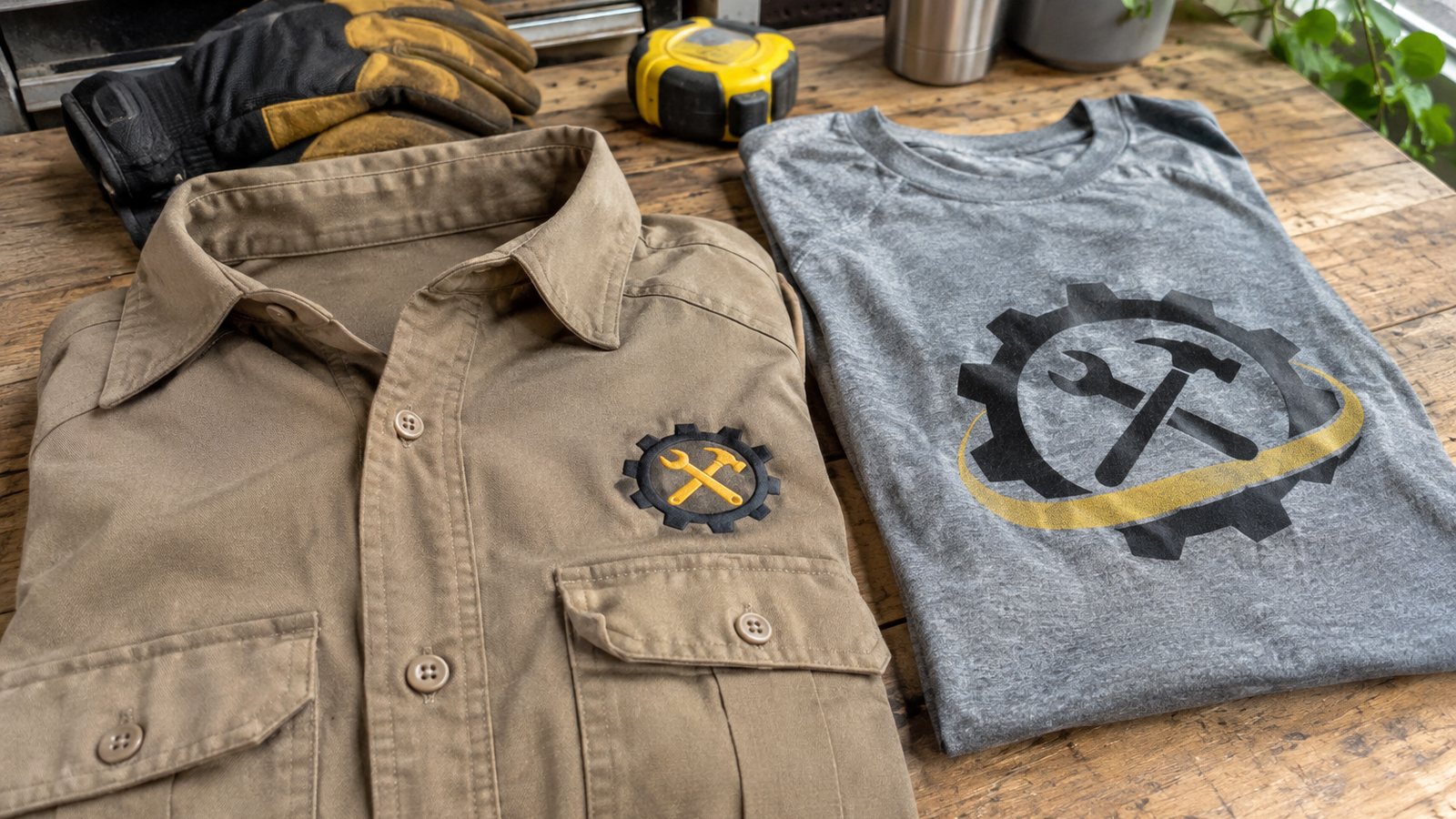
Short answer: Do I need a transparent PNG for shirt printing? You need a design without a solid background, and you do not have to make it yourself. A JPG always has a background, usually white, and on a colored shirt that background prints as a white box. Upload what you have on our custom tee page and our team removes the background before printing. The longer comparison lives in our PNG vs JPG guide.
What actually happens with a JPG
A JPG file cannot hold transparency. Every pixel has a color, including the empty space around your logo. On screen, a logo on white looks fine because the page behind it is also white. On a black, navy or red shirt, the printer prints exactly what the file says: your logo inside a white rectangle.
On a white shirt the box is mostly invisible, which is why many people never notice the issue until they order a colored shirt.
Why a transparent PNG prints clean
A PNG can store transparency, so the space around the design is truly empty. When it prints, only the design lands on the fabric and the shirt color shows through everywhere else. That is the clean, professional look most people expect.
A PNG with a solid white background behaves exactly like a JPG, so the file type alone does not solve it. What matters is whether the background is actually transparent.
How to check your file in ten seconds
- Open the image on a dark background, such as a dark mode photo viewer. A white box means a solid background.
- In most editors, transparency shows as a gray and white checkerboard.
- If the file name ends in .jpg or .jpeg, it has a background.
- Screenshots always have a background, even if they look clean.
- Logos sent by text message are often converted to JPG on the way.
The fix, three ways
- Let us do it: upload the file as it is. Our team checks every design and removes the background before it prints. Customers never need print-ready files.
- Use a free tool: our free background remover guide shows how to turn a JPG logo into a transparent PNG in a minute.
- Ask the source: whoever made your logo may have the original file with transparency, often named with logo and png or as a vector file.
If your image is also small or blurry, our free upscaler guide helps sharpen it before printing.
When a background is part of the design
Sometimes you want the background. A photo of a family on a beach, a pet portrait with a sunset or a vintage poster all look intentional with their background. In those cases, the edges matter more: a soft fade or a rounded frame looks better than a hard rectangle. Tell us in the order notes if you want the background kept.
Photos, drawings and logos
Photos of people and pets can be cut out so only the subject prints, which looks great on dark shirts. Drawings on paper photographed with a phone usually have a gray paper background and uneven light; we clean those up too. Logos are the most common case, and the quickest fix, because they have clear edges.
Light lines on a dark shirt and dark lines on a light shirt keep the design readable after background removal. A design with very thin white lines on a white background can be hard to separate, so a quick note about what you want helps.
Quick answer for busy people
You do not need to be a designer. If your file is a JPG, a screenshot or a photo of a drawing, upload it and we handle the background. If you already have a transparent PNG, even better: it goes straight to the preview. Either way, the shirt you receive shows only your design on the fabric, with no stray box around it.
Common file problems besides the white box
- Low resolution: a tiny image looks fine on a phone and blurry on a shirt. Send the largest version you have.
- Tight crops: a logo cropped to the edge can lose part of a letter. Leave a little space around it.
- Shadows from a phone photo: photograph drawings in even daylight, straight on.
- Light gray backgrounds: these print as a faint box, just like white. Remove them too.
- Glow effects: soft glows fade into the background and are hard to separate cleanly.
None of these stop an order. Upload what you have, add a note if something matters to you, and our team flags anything that would print badly before production. If a file truly cannot print well, we tell you and suggest a fix instead of printing it anyway.
Choosing the shirt color for your file
If your logo is dark, a light shirt shows it best, and the same goes in reverse for a light logo on a dark shirt. The preview updates when you change the shirt color, so try two or three before you decide. A clean cutout looks good on every color, which is the real reason to remove the background.
Ordering your shirt
Upload your file, see the design on the real shirt in the preview, and check out. The custom tee is $16.99 with no minimum, and delivery takes 5 to 9 business days once production starts for US orders. A real person on our veteran-owned team reviews every file, so a stray white box gets caught before anything prints.
Start on the custom tee page, and read the PNG vs JPG guide if you want the deeper technical comparison.
Good to know
Frequently asked questions
Will a JPG logo print with a white box on a black shirt?
Yes, if the background is left in. A JPG always has a background, so it prints as a box on colored shirts unless it is removed first. Our team removes it for you. Ready to see yours? Build it here.
Is any PNG file automatically transparent?
No. A PNG can hold transparency, but many PNG files still have a solid white background. Check it on a dark background to see. Play with the builder here and see your idea on a shirt.
Do I have to remove the background myself before ordering?
No. Upload the file you have. Customers never need print-ready files, and our team removes backgrounds before printing. Make your custom shirt here.
How can I tell if my image has a transparent background?
Open it on a dark background or in an editor. Transparency shows as a checkerboard, while a solid background shows as white or another color. Want to see it first? Try the shirt builder here.
Can I keep the background of a photo on my shirt?
Yes. Some photos look best with their background. Say so in the order notes and we keep it, with clean edges. Open the builder and try your idea on a shirt.
Does a white shirt hide a JPG background?
Mostly, since white prints on white blend in. On any colored shirt the background shows, so removing it is the safer choice. When you are ready, start your shirt here.
Or start with the art: design it in our custom builder → · free AI t-shirt design generator
Keep reading
More from the journal